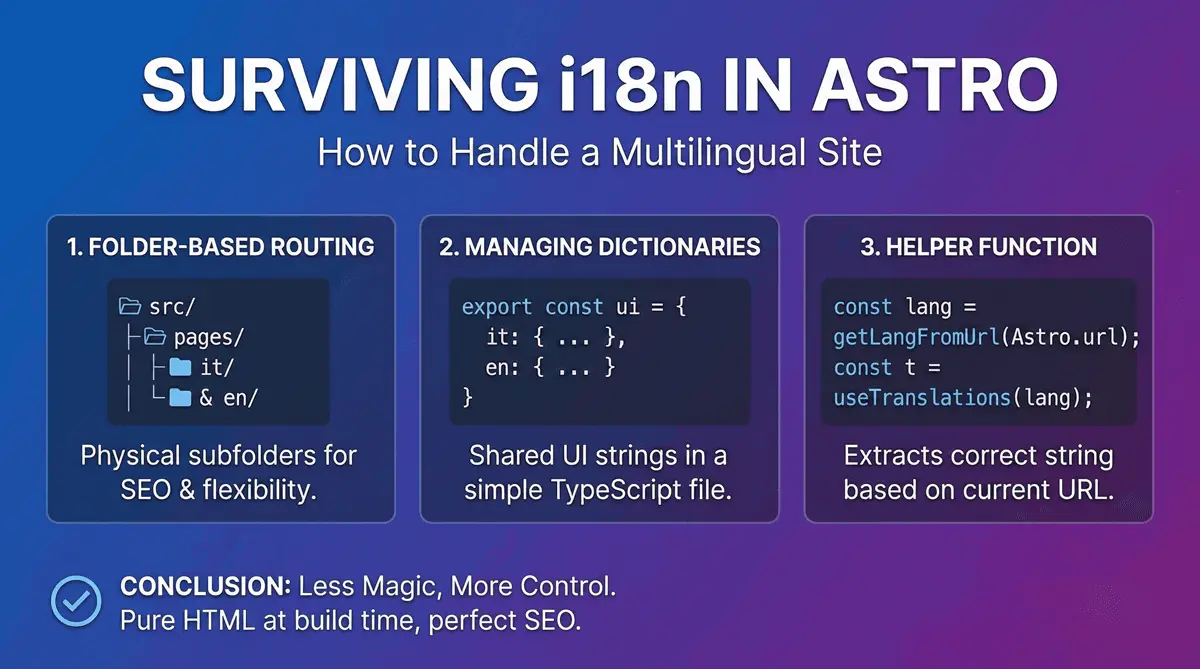
Surviving i18n: How to Handle a Multilingual Site in Astro
Anyone who has ever had to turn a single-language website into a multilingual one knows this: handling i18n (internationalization) is often a nightmare. Between heavy libraries to install, infinite React contexts, and SEO issues, it’s easy to get lost.
When I designed this portfolio, I knew I wanted it natively bilingual (Italian and English) to reach international clients. Here is how I solved the problem in Astro cleanly, without weighing down the site with a single KB of JavaScript.
1. Folder-Based Routing
Astro uses file-based routing logic. To separate languages, I opted for the physical subfolder approach (Sub-directory routing), which is also Google’s preferred method for SEO.
My project structure looks like this:
src/
├── pages/
│   ├── index.astro     // Automatically redirects to /it/ or /en/
│   ├── it/
│   │   ├── index.astro
│   │   └── blog/
│   └── en/
│       ├── index.astro
│       └── blog/
This gives me maximum flexibility: I can have pages in Italian that don’t exist in English and vice versa, without going crazy with complex configurations.
2. Managing Dictionaries (UI Strings)
For the UI parts shared between the two versions (like the navbar, footer, or “Read more” buttons), I didn’t want to duplicate code. I created a simple TypeScript file that acts as a dictionary:
// src/i18n/ui.ts
export const languages = {
  it: 'Italiano',
  en: 'English',
};

export const defaultLang = 'it';

export const ui = {
  it: {
    'nav.home': 'Home',
    'nav.about': 'Chi Sono',
    'nav.portfolio': 'Progetti',
  },
  en: {
    'nav.home': 'Home',
    'nav.about': 'About Me',
    'nav.portfolio': 'Projects',
  },
} as const;
3. The Helper Function for Translations
To extract the correct string based on the URL the user is currently on, I wrote a small utility function. Astro allows me to read the current URL server-side and figure out which language we are in:
---
// Inside an Astro component (e.g., Navbar.astro)
import { getLangFromUrl, useTranslations } from '../i18n/utils';

const lang = getLangFromUrl(Astro.url);
const t = useTranslations(lang);
---

<ul>
  <li><a href={`/${lang}/`}>{t('nav.home')}</a></li>
  <li><a href={`/${lang}/about`}>{t('nav.about')}</a></li>
</ul>
Conclusion: Less Magic, More Control
The real strength of this approach in Astro is the lack of “black magic”. There is no global state provider slowing down the client, no external libraries to maintain. Everything is resolved at build time. The final result is pure HTML sent to the browser, perfectly translated, and with the <html lang="en"> and hreflang tags flawlessly configured for SEO.