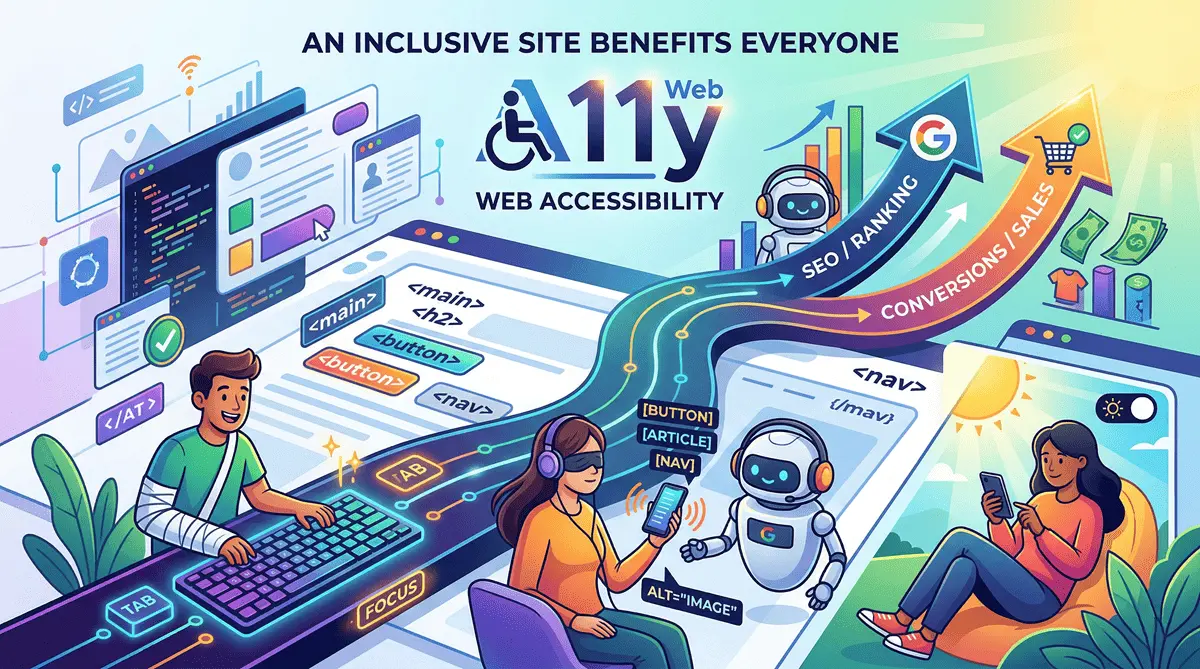
Web Accessibility (A11y): Why an Inclusive Site Benefits Everyone
When we talk about Web Accessibility (often abbreviated as A11y, because there are 11 letters between the ‘A’ and the ‘y’ in the word accessibility), many clients imagine it as an expensive “extra” aimed at a tiny percentage of users.
Nothing could be further from the truth. Designing an accessible site means creating a digital experience that anyone can use, regardless of their visual, auditory, motor, or cognitive abilities. But there’s more: an accessible site is a site that converts higher and ranks better on Google.
Not Just Permanent Disabilities
We often associate accessibility with permanent disabilities, like blindness. But accessibility also solves:
- Temporary disabilities: A broken arm that prevents you from using a mouse.
- Situational disabilities: Using your smartphone under direct sunlight (where low contrast makes the screen unreadable) or watching a video on a crowded train without headphones (where subtitles become essential).
When you improve accessibility, you are literally improving the User Experience (UX) for 100% of your visitors.
3 Accessibility Practices That Make a Difference
In my workflow, accessibility isn’t a plugin added at the end, but a foundational principle (Accessibility by Design). Here are three practical examples:
1. Keyboard Navigation
Many users do not use a mouse. They navigate the web using the Tab key on their keyboard. If your site lacks “focus states” (that visible outline around links and buttons when you tab to them), these users will be literally trapped and will abandon your site.
2. Screen Readers and Semantic HTML
Blind users rely on software called Screen Readers that read the site out loud. If your developer built buttons using generic <div> tags instead of the proper <button> tag, the screen reader won’t understand it’s a clickable element.
Using semantic tags (like <nav>, <main>, <article>) and ARIA attributes ensures the site makes sense even when it’s only “listened to.”
3. Color Contrast (WCAG Guidelines)
Light gray text on a white background might look elegant and “minimalist,” but for someone with slight visual impairment (or using a low-quality screen), it is invisible. Meeting the minimum contrast ratios dictated by WCAG guidelines means you won’t lose customers simply because they can’t read your product’s price.
The Hidden Advantage: SEO and Conversions
Technically speaking, the Google bot is the most important blind user that will ever visit your site. Google doesn’t “look” at images and doesn’t use a mouse. It reads code.
When you write accessible code (adding alt text to images, using strictly semantic HTML, and correct H1, H2, H3 heading hierarchies), you are literally spoon-feeding Google. Accessible sites are rewarded by search engines because they are inherently easier to crawl and index.
Furthermore, a site that is easy to navigate drastically reduces the Bounce Rate and increases the conversion rate. If the user doesn’t struggle to find information, they are more likely to buy.
Conclusion
Today, web accessibility is no longer optional. With the advent of the European Accessibility Act (EAA), it is also becoming a legal requirement for many companies. But even before the lawyers get involved, you should do it for your business: excluding 20% of the global population from your site means leaving money on the table. An accessible web is a better web for everyone.